
A business account that not only improves your business finances & admin management but also connects you to your customers and various other businesses alike.


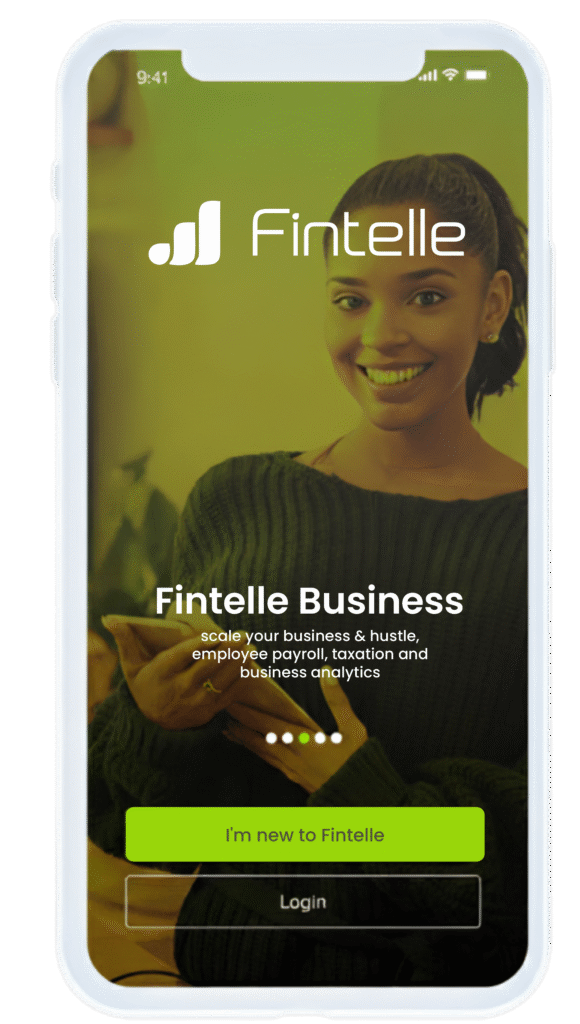
Fintelle Business helps small and medium enterprises manage their business in the most simplest and efficient way possible.
The only business account that requires zero documentation for opening an account, aids in tax remittance and inventory management, all done on your mobile phone.
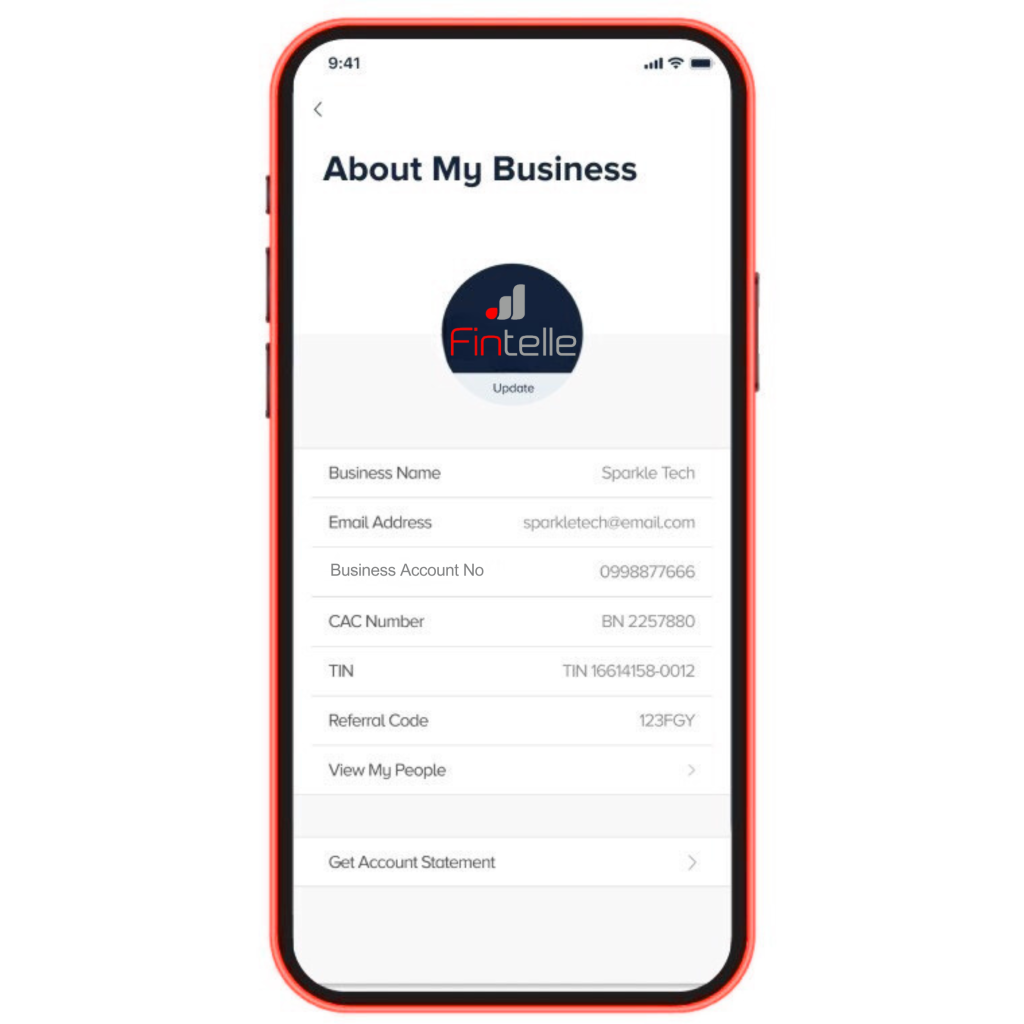
Fintelle Business Account was made for fintelle personal account owners who have a TIN (Tax Identification Number) and looking for a simple, transparent and trustworthy account so they can improve their business significantly.
We also have a business support platform that not only helps but also gives you the opportunity to do the following:
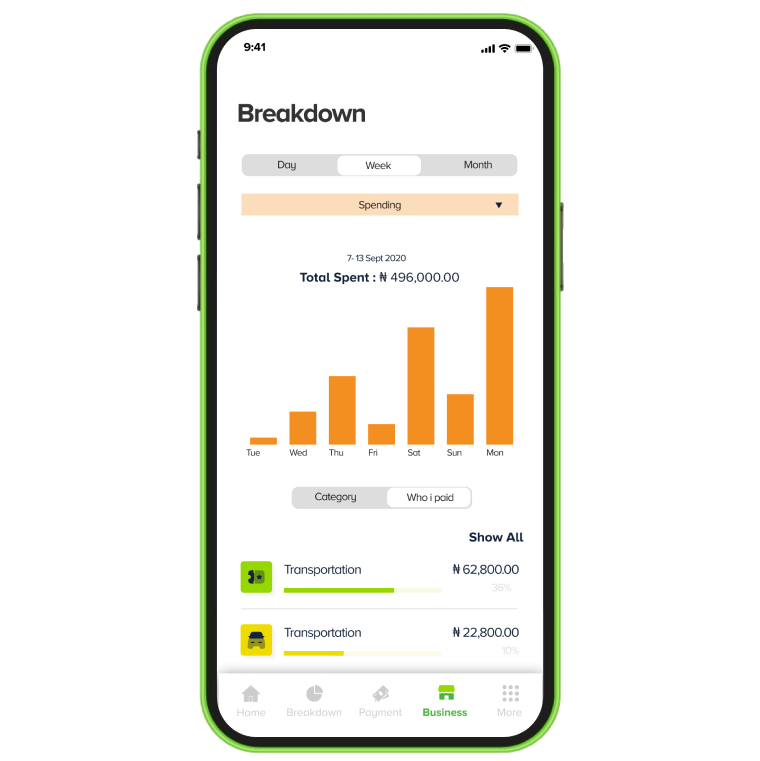
Monitor your business activities by managing your products and customers, all from your device. Identify top selling products and customers with the highest patronage. Improve your revenue as well as manage your business expenses.
With Fintelle business you can improve your business productivity by keeping track and managing your business metrics, all on the go.
With our easy to use mobile application you can manage your workers and employees payroll and salaries payment to fintelle and various other bank accounts.
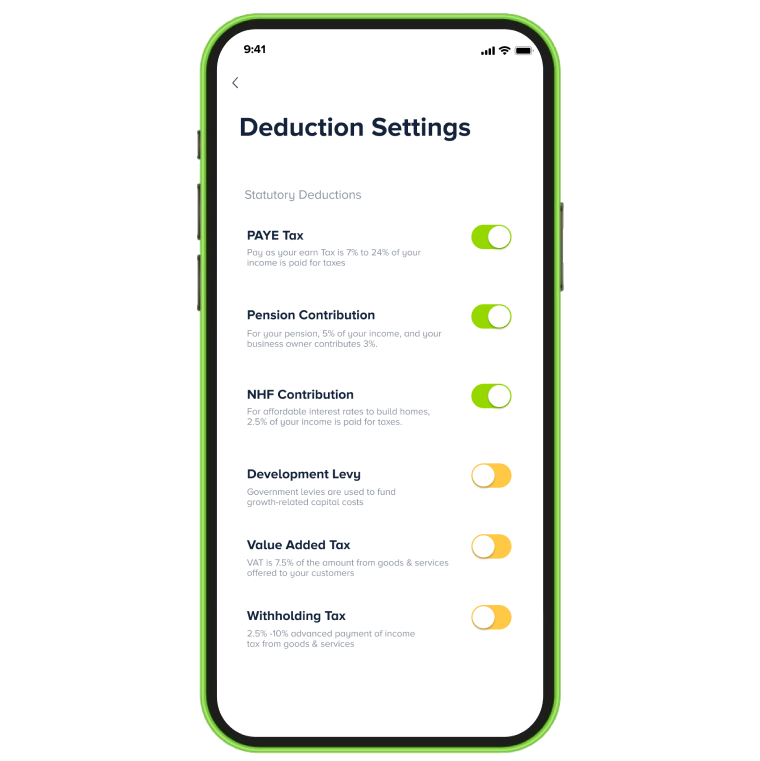
A sub-account is made available for you on your fintelle business that houses all your tax deductions and returns giving your timely update for remittance and tax payments.
Fintelle business integrates accounting tools as you get visibility and more control of your business products with inventory management and fintelle smart invoice.
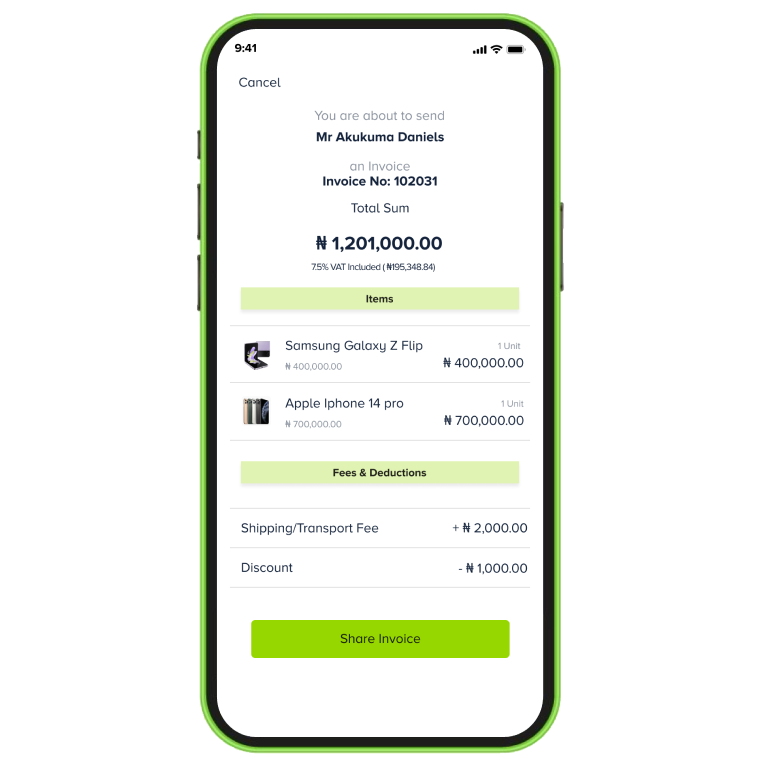
You can manage your product store count as well as send invoices to customers with our smart invoice that aids in discount making and VAT analysis.
It’s easy! First, download the Fintelle app from App Store or Play Store. Then, create your own personal account. Once you’re done with that, tap the home button and click on “Get Sparkle Business” to create your business account. The get “Fintelle Business” button is just right next to the “Show Balance Button”.
Yes, you do! Before you dive into Fintelle Business, you need to have your very own Sparkle personal account.
Your business account gets added to your personal one. And guess what? Switching between them is super simple! On your personal account dashboard, just tap on “Switch Account”. It’s right next to the “Show Balance” button.
You only need your CAC certificate and your TIN. If we need any other information, we’ll just get it from your personal account.
You don’t need to open your Fintelle Business account with any amount of money. We keep things Fintelling over here!
After opening your account, you can fund it with as much money as you wish!
On your business account, we charge for similar things as your personal account. Transferring money, paying bills, and a monthly fee for the SMS notifications we send to you. The good news is, we don’t charge you for using all the cool business features we have!
Piece of cake! On the Fintelle app, just click on the “Switch Account” button which is right next to the “Show Balance” button. That’s it!
Sure thing! When customers want to make payment to your business account, they’ll see your registered business name. This way, they’ll know they’re sending money to the right place.
Absolutely! You can get up 5 physical cards and they’re like little helpers for your business. You get to assign them to different members of your team for different business expenses like subscriptions, and more.
Hmm, we know what you’re thinking but no worries, you’re still in control. You get to set spend limits to control how much your team spends, and if a card goes missing or a team member doesn’t work for you anymore, you can easily block the card in a snap.
Only the Boss (that’s you) can have access to your Fintelle Business account but you can create and assign cards to your team members so they can handle some business expenses. The cards are connected to your business account, and you have full control of them.
📦 Mange Your Inventory: Our superstar Inventory tool helps you manage all the products you have in stock from the comfort of your mobile phone. You get to know your best-selling products and more.
💼 Create Invoices: No more paperwork mess! You can create pro invoices on your phone and share them with your customers in minutes.
💰 Make and Receive Payments: Get paid in all the cool ways – transfer, QR, Nearby Pay, FintelPay, Request Money and more. Our sparkling payment options make it easy for you to pay and get paid!
📊 Mange Your Taxes: Taxes made simple? You bet! Our special tax tool helps with your tax calculations and deductions, so you can pay your taxes without breaking a sweat.
💼 Manage Your People: With the “My People” feature, you can handle your team’s payments right from the app! It’s like having your own payroll assistant.
👭 Manage Your Customers: With the ‘My Customers’ feature, you get to know your loyal customers so you can create sparkling deals and offers for them.
So, you see, Fintelle Business isn’t just an account – it’s a whole bundle of magic for your business.
You can add money to your business account by simply making a transfer from other banks. You can also share your Fintelle Business account number with your customers to start receiving payments straight into your account.
Your TIN is sent two weeks after your business registration at the CAC (Corporate Affairs Commission). If you do not receive your Tax Identification Number (TIN) via mail or SMS two weeks after registering your business at CAC, please email helpdesk@firs.gov.ng.
Easy-peasy! Here’s how:
It’s Simple! Just click on the Inventory feature. There you’ll see a list all the items you have in stock, along with the quantities available for each item.
Absolutely! When you’re creating your inventory list, you have the option to add a picture of each item. This helps you visually identify your inventory items easily.
Absolutely! You can create well-structured invoices on the Fintelle app in minutes. And that’s not all – you can share them with your customers as a link. Sharing the link is simple. All you need to do is copy and paste the link into your customer’s chat or send it via email.
All your customer needs to do is to click on the link to make payment through any payment option they like (Card, Transfer, USSD).
Creating an invoice is simple. Just follow these steps:
And there you have it! You’ve created an invoice.
It’s simple! Just click on the Invoice feature. There you’ll see a list of all the invoices you’ve created. The ones that have been paid shows “Paid” and the ones that haven’t been paid shows “Pending”.
You can double-check all payments you’ve received by clicking on “My Activities”.
Sure! You can share your invoice link with customers through other platforms like Instagram, Facebook, Twitter, TikTok and more. All you just need to do is copy the link and paste it anywhere you choose. You can even Airdrop too. Cool right?
Absolutely! You can delete both paid and pending invoices. Just click on the Invoice feature, select the invoice you want to delete and tap on the delete button. Pretty simple!
Once you’ve created an invoice, you won’t be able to edit it. But you can delete it and create a new one.
Absolutely! Here’s how you can add discount and delivery fees to your invoices:
For now, you can only include the exact amount of the discount.
Sure thing! Here’s how:
It’s easy! Here’s what you need to do:
You can also choose whether you want to see your earnings for a single day, a whole week, or an entire month.
It’s easy! Just click on “My People”, add your team members, enter their salaries, and pick a payday for them.
Of course! If someone on your team doesn’t have a Fintelle account, that’s okay. You can still add their account number from another bank to your “My People” list. This way, you can pay them their salaries using our super cool payroll feature.
All you need to do is select the “Add from other Banks” option when adding the team member.
To make things even quicker, you could suggest they open their very own Fintelle personal accounts. Payments between Fintelle accounts are super-fast and convenient!
Absolutely! If someone used to work for you but doesn’t anymore, you can delete them from your “My People” list on the app. And don’t worry, adding a new staff is just as easy!
Sure thing! Here’s how:
Of course! You can edit your team’s payment information any day, any time. Just click on the “My People” feature, select a team member and click on “Edit Employee”.
Absolutely! When you turn on the tax button for your invoices and your team’s salaries, your Fintelle Business app will automatically calculate each of the taxes, giving you the correct numbers so you don’t have to do the math yourself.
Your Fintelle Business app helps you with your VAT and your team’s PAYE tax. We make it easy for you to give unto Caeser what belongs to him!
Easy! On your Fintelle Business app, just click on the Tax feature. There you can view all your deductions easily.
Absolutely! On the Tax page, just click on “Deduction Settings” and turn off any item you want.
We only help you with your tax deductions and calculations. You’ll need to pay your taxes directly on the FIRS portal.
Super simple! Just click on the “My Customer” feature, select or search for the name of the customer, click on “View” and there you’ll see all the invoices and personal details of your customers.
For now, you can only view your customers’ information on the app, including their names, emails, phone numbers and invoices.
Download the Fintelle App and open an account within minutes